Vibe Coder vs SWE, Part 2: The Code Review
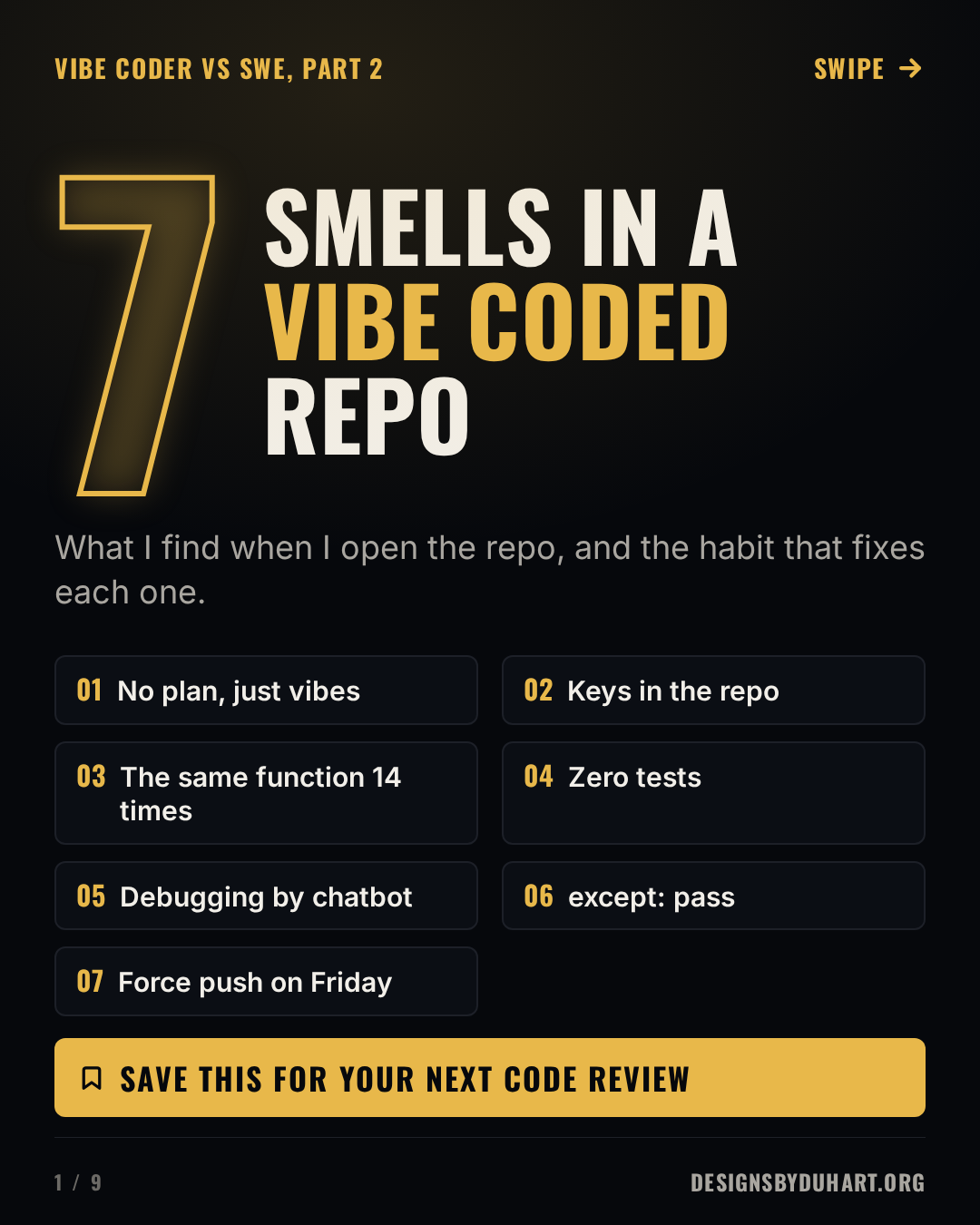
Seven smells I find when I open a repo an AI wrote and nobody read, and the one habit that fixes each one.
The review
Part 1 of this series compared the two mindsets and landed on a simple point: the typing was never most of the job. This part is more practical. When I open a repo that an AI wrote and nobody read, I find the same seven things, nearly every time. None of them is a moral failing, and none of them needs a computer science degree to fix. Each one needs a habit.
Agent Smith said it better than I could.
The 42 second version

Seven smells in a vibe coded repo
1. No plan, just vibes
The first prompt came before the first requirement. The AI is very good at filling gaps, and it fills every one of them with a confident guess: who the user is, what counts as done, how tax works in the place you sell. If you have not decided, it decides for you.
Before the first prompt, write three things. The requirements: who it is for, what it must do, and how you will know it is done. The domain research: how the thing works in the real world (payments, tax, medical records, whatever you are building), because that is where the expensive mistakes hide. And the pseudocode: the steps in plain language, including what happens when a step fails. Then prompt one step at a time, and check each answer against the plan.
PLAN.md before the first prompt
# requirements: who, what, done when
- guest can check out without an account
- tax by shipping address (domain: nexus rules)

# pseudocode
validate cart (not empty, qty > 0)
tax = rate(ship_to) * subtotal
charge card; on decline -> show retry
email receipt; log order id
2. The key is in the repo
The AI needs a key to make the demo work, so it pastes one into the code. You commit it. Automated scanners watch public repositories for exactly this and find new keys within minutes, and deleting the line afterwards does not help, because the key is still in the history.
Read keys from the environment, keep a .env file out of git from the very first commit, and if a key ever lands in a commit, rotate it.
Keys come from the environment
import os
from openai import OpenAI

client = OpenAI(api_key=os.environ["OPENAI_API_KEY"])
3. The same function, fourteen times
Every new prompt starts fresh, so every new feature gets its own copy of the helper it needs. Fourteen copies of formatDate is normal, and three of them disagree about time zones. Fix a bug in one and it survives in the other thirteen.
Search the repo before asking for a helper. Keep shared code in one module, and tell the AI to import it.
4. Zero tests
The demo is the happy path. Users bring the empty cart, the expired token and the double click. One test for the case that scares you is worth more than a hundred lines of generated code, and AI tools are good at writing tests if you ask for them first.
The test that scares you
def test_total_handles_empty_cart():
    assert cart_total([]) == 0

def test_total_rejects_negative_qty():
    with pytest.raises(ValueError):
        cart_total([("sku", -1)])
5. Debugging by chatbot
The loop goes: error, paste, new code, new error, paste. Eventually the error stops, which is not the same as the bug being fixed, and by then nobody knows what the code does. Read the stack trace, find the line, and say what you expected and what happened. Then ask the AI a specific question. You will get a better answer, and you will learn something.
6. except: pass, everywhere
The fastest way to make an error disappear is to catch it and do nothing. That is how a payment fails silently and an order ships anyway. Catch the specific error you can actually handle, log it with enough context to find it later, and let everything else fail loudly.
Catch what you can handle
try:
    charge(card, amount)
except CardDeclined:
    log.warning("declined", extra={"order": order_id})
    raise
7. Force push on Friday
When the merge gets confusing, the AI may suggest a force push. On a shared branch that rewrites history and throws away whatever your teammates pushed. Work on a branch, open a merge request, let CI run, and protect main so a force push is not even possible.
The boring, safe way
git switch -c fix/checkout-total
git add -p
git commit -m "Fix total for empty cart"
git push -u origin fix/checkout-total
AI writes the code. You still own it.
Use the tools. I do, every day. Plan before you prompt, read every line before you commit it, because the person on call at 2 AM is you, not the model.
Next: the five line review checklist I run on every AI written pull request.
More: LinkedIn · Instagram. Portfolio and case studies: designsbyduhart.org.
If any of this saved you an afternoon, Buy me a coffee.